Back to the Bare(Metal) Basics
AI changes everything. Moore's law has always been bullshit anyway, but LLM hunger for cycles and fast retrieval makes it operate in reverse: software becomes hungrier much faster than hardware improvements can keep up. Responsive agentic AI needs fast RAG. And look at this sheer speed........

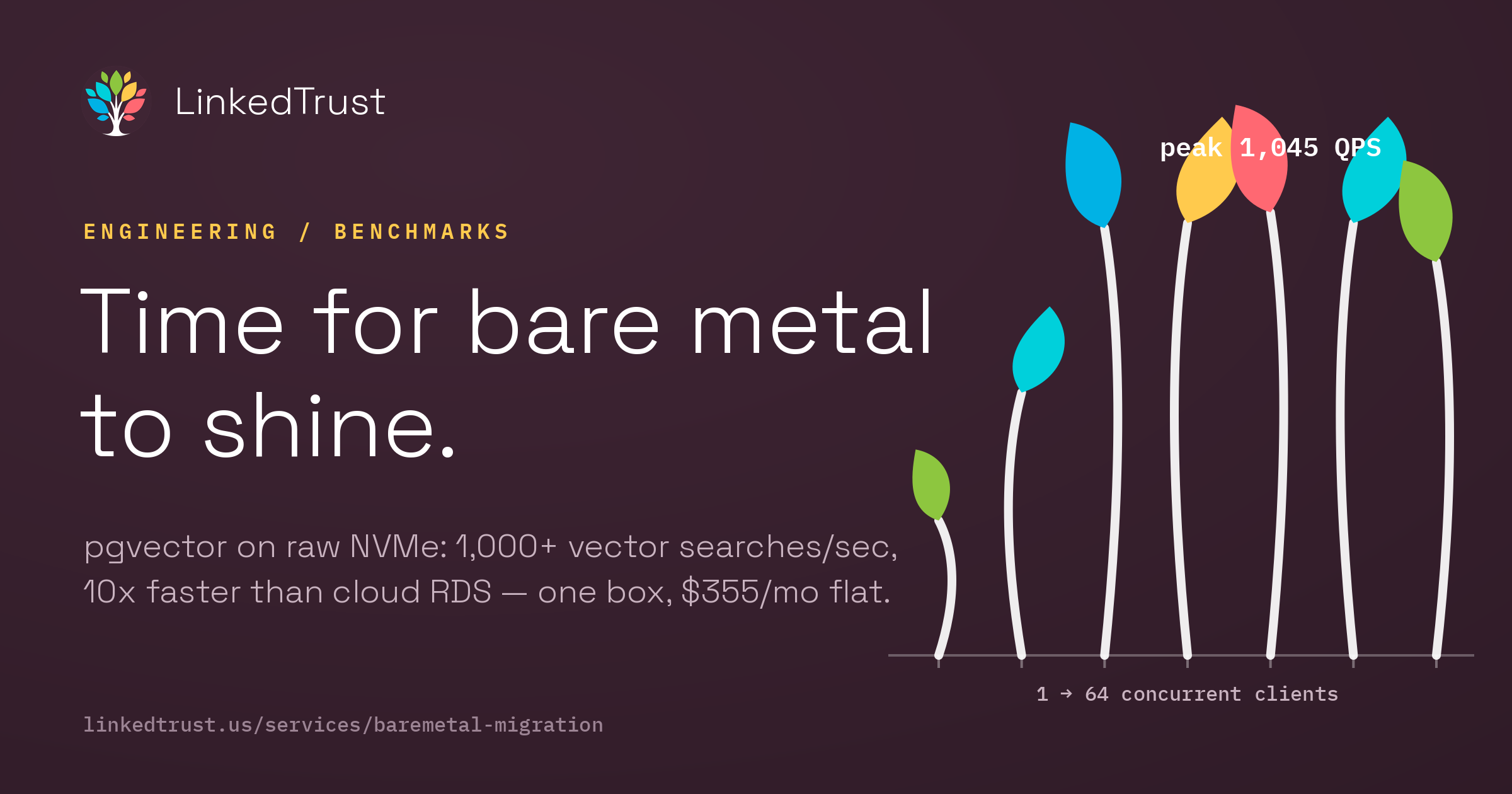
AI changes everything. Moore's law has always been bullshit anyway, but LLM hunger for cycles and fast retrieval makes it operate in reverse: software becomes hungrier much faster than hardware improvements can keep up. Responsive agentic AI needs fast RAG. And look at this sheer speed:

We came to this configuration from a few directions: back in 2024 one of our team members went to a presentation by the USearch folks and were impressed by the chutzpah of going all the way down to rewriting the UTF-8 string handling libraries to squeeze every drop of speed out of a vector store. Unfortunately this radical improvement wasn't maintained, so we wound up just doing pgvector instead of Ustore. On a direct NVMe solid state drive this is enough for a 3x improvement over EBS, which is a form of network file system — ugh! And nearly 10x faster than RDS where most default RAG storage goes with a vanilla AWS setup.
You do not have to deeply understand networked file systems to know that a 10x speedup with cost savings is desirable. The rest of this article describes both our benchmarking and the specific configuration choices we made (proxmox over nix, shared team development VM with shared CLAUDE.md files and context), but without knowing any of that the decision to go to baremetal is the important one. AI not only changes the demand landscape, it reduces the cost of complexity management. It is time for bare metal to shine.
The Before Picture
“Before the move to bare metal, we had a clustered, distributed architecture — many EC2 instances on AWS, a bunch of DigitalOcean droplets, apps running on managed app platforms, and Postgres databases scattered between both providers. It was stressful and time-consuming to maintain.”
— Peter Ani
“I’m an advocate for clean architecture that’s understandable by incoming engineering teams. We were able to get things running smoothly, but I had to manage permissions and access across different servers on different providers. Just giving out SSH access to a new team member was time-consuming.”
— Peter Ani
Why Bare Metal, Why Now
“The major trigger was cost and value — what we were getting for what we were paying just didn’t add up. Once we made the move to bare metal, we discovered a lot of ways to manage access, distribute permissions, and get things running smoother and cleaner than they ever were on our hybrid clouds (AWS, Linode & Digital Ocean).”
— Peter Ani
The Setup
We run a single dedicated server from Rackdog, a bare metal hosting provider based in the US. Intel Xeon Gold 6142, 128GB RAM, Samsung PM983 1.92TB NVMe. Proxmox VE as hypervisor. Four VM roles:

| VM | Purpose | RAM | Cores |
|---|---|---|---|
| Postgres (100) | Shared PG 15 + pgvector, NVMe passthrough | 32GB | 8 |
| Dev (200) | Team sandbox, Claude Code | 16GB | 8 |
| Platform (300) | Static frontends (Vercel replacement) | 8GB | 4 |
| App VMs (400+) | Per-app isolation, various stacks | ~68GB avail | varies |
Add RowRemove RowAdd ColRemove Col
“Infrastructure is a means to an outcome. Developers don’t wake up excited to log into a console just to manage infrastructure — they care about outcomes. We provision fully configured servers in under 6 minutes with full SSH and KVM access. No hidden fees or overages.”
— Rackdog
Key Decision: NVMe Passthrough
“The key decision was giving the Postgres VM direct access to the physical NVMe drive — PCIe passthrough — instead of letting Proxmox manage the storage and share it across VMs. The tradeoff is that only one VM gets the drive, but since Postgres is the bottleneck for everything we run, that was an easy call. Setting it up meant enabling IOMMU in the BIOS and Proxmox config, which took some research, but once it was done, Postgres was talking straight to the hardware with no virtualization layer in the way. That’s where most of the benchmark numbers come from.”
— Peter Ani
The Postgres VM gets direct PCIe access to the physical NVMe drive — no hypervisor storage layer in between. This is the single decision that drives most of the performance numbers below.
Key Decision: Postgres Tuning for NVMe
shared_buffers = 8GB
effective_cache_size = 24GB
work_mem = 64MB
maintenance_work_mem = 2GB
random_page_cost = 1.1 # NVMe: random reads nearly as fast as sequential
effective_io_concurrency = 200 # NVMe handles massive parallelism
“The two settings that made the biggest difference wererandom_page_costandeffective_io_concurrency. On cloud EBS, Postgres assumes random reads are expensive because it’s going over a network to reach the storage — so the defaultrandom_page_costis 4.0. On NVMe, random reads are nearly as fast as sequential, so we dropped it to 1.1. That completely changes how the query planner thinks — it starts favoring index scans much more aggressively. Theneffective_io_concurrencyat 200 lets Postgres fire off parallel I/O requests, which NVMe handles easily but would overwhelm EBS. The big revelation was that on NVMe, storage stops being the bottleneck entirely — CPU becomes the limiting factor, which is how it should be.”
— Peter Ani
The Benchmarks
All benchmarks run against the Postgres VM — 32GB RAM, 8 cores, with direct NVMe passthrough. That's it. Not the full 128GB box, just one VM on it. The client ran from a separate VM on the same host over the internal bridge (sub-millisecond hop). PostgreSQL 15.15, pgvector 0.8.1. Every data point is a 30-second sustained run.
Standard PostgreSQL: pgbench Under Load
Scale factor 100 — 10 million rows, ~1.6GB working set. We swept from 1 to 64 concurrent clients to find the saturation point.

Read-Write (TPC-B)
| Clients | TPS | Avg Latency |
|---|---|---|
| 1 | 532 | 1.88 ms |
| 2 | 1,119 | 1.79 ms |
| 4 | 3,036 | 1.32 ms |
| 8 | 4,437 | 1.80 ms |
| 16 | 6,366 | 2.51 ms |
| 32 | 6,611 | 4.84 ms |
| 48 | 6,410 | 7.49 ms |
| 64 | 6,139 | 10.43 ms |
Add RowRemove RowAdd ColRemove Col
Near-linear scaling up to core count, then a clean plateau. Peak: 6,611 TPS at 32 clients with latency under 5ms. That matches what AWS needs a 16 vCPU / 128GB instance to achieve.
Read-Only
| Clients | TPS | Avg Latency |
|---|---|---|
| 1 | 3,346 | 0.30 ms |
| 4 | 19,111 | 0.21 ms |
| 16 | 41,848 | 0.38 ms |
| 32 | 40,558 | 0.79 ms |
| 64 | 39,587 | 1.62 ms |
Add RowRemove RowAdd ColRemove Col
42K TPS. Sub-millisecond latency up to 16 clients. Even at 64 concurrent connections: 1.6ms.
“Performance is consistent and predictable. A task that takes 20 milliseconds under normal load tends to take the same amount of time tomorrow. There are no noisy neighbors competing for CPU, memory, or disk.”
— Rackdog
Vector Search: pgvector with HNSW
100,000 vectors at 1,536 dimensions (OpenAI embedding size). HNSW index with m=16, ef_construction=64.

Search Throughput Under Load

| Clients | QPS | Avg Latency |
|---|---|---|
| 1 | 318 | 3.1 ms |
| 2 | 620 | 3.2 ms |
| 4 | 1,008 | 4.0 ms |
| 8 | 1,020 | 7.8 ms |
| 16 | 1,045 | 15.3 ms |
| 32 | 1,020 | 31.4 ms |
| 64 | 928 | 68.9 ms |
Add RowRemove RowAdd ColRemove Col
Sweet spot: 4–8 clients. Over 1,000 searches per second at under 8ms latency. Throughput holds above 900 QPS even at 64 concurrent clients.


4x the throughput of Supabase at the same hardware class. 10x faster than Alibaba Cloud RDS at double our spec.
“We use pgvector for semantic search across our internal tools — meeting notes, contact records, project docs. When someone on the team runs a search, it’s not just keyword matching, it’s finding things by meaning. On cloud storage, those vector similarity queries were sluggish — you’re doing cosine distance calculations across thousands of embeddings, and every read goes over the network. On NVMe, the same queries come back in single-digit milliseconds. That’s the difference between a tool people actually use and one they give up on.”
— Peter Ani
The Cost

$355/month flat from Rackdog. No per-IOPS charges. No egress fees. No surprise bills. This single box replaces what would be 10+ cloud instances, a managed database, load balancers, and storage volumes across AWS, DigitalOcean, or Linode.
“We’re optimizing expenses as a company, and bare metal is what made that possible. Before, we were spending roughly $250–400 a month on AWS and another $220–300 on DigitalOcean — so anywhere from $470 to $700 a month across two providers, and that’s before the headache of managing both. Now with Rackdog, everything runs on one box for $350 a month. We cut costs and got better performance at the same time.”
— Peter Ani
Don't Need a Whole Box? $50/month.
Not every team needs 128GB of dedicated hardware. For $50/month, you get your own isolated VM on our infrastructure with direct access to the NVMe-backed Postgres — the same setup that produced these benchmarks. That includes:
| Shared VM ($50/mo) | AWS Equivalent | |
|---|---|---|
| Compute | Dedicated VM, isolated | t3.small EC2: $15/mo |
| Database | NVMe Postgres + pgvector | RDS db.t3.micro: $13/mo (slow) |
| Storage | Included (NVMe-backed) | gp3 EBS: $12/mo |
| Vector search | 1,000+ QPS at 8ms | Not available at this price |
| Claude Code | Direct SSH access, we help you set up | You figure it out |
| Egress | None | $0.09/GB |
| Total | $50/mo | $40-80/mo minimum |
Add RowRemove RowAdd ColRemove Col
The cloud equivalent costs about the same — but runs on network-attached storage at a fraction of the performance. You're getting database performance that Supabase charges $400/month for.
And you get Claude Code access directly on the VM. We'll show you the workflow — how to use AI-assisted development against a real database on real hardware, not a sandbox with artificial limits. Modify your app, run migrations, test against production-class Postgres, all from the command line.
“Over time, teams realize they are paying a premium per unit for flexibility they rarely use. If you can project capacity needs for the next 6–12 months, you can stop renting ‘maybe’ and start buying for the reality you have.”
— Rackdog
What We Learned
“The hardest part was dealing with uptime. We had live services — live.linkedtrust.us, external contracts — and we didn’t want to piss anyone off, including our users. So we had to time everything carefully. We’d wait for low-traffic windows, quickly swap the database over with a fresh data dump, then switch the DNS — all without anyone noticing. Looking back, doing it at that level of care where our users didn’t even know a migration was happening was hard. But it was a success.”
— Peter Ani
“Managed services make systems easier to operate, but each decision ties the system more closely to the platform. The cloud platform stops being just where the system runs — it becomes part of how the system works. With bare metal, you decide how the machine runs from the ground up. When something goes wrong, the cause is usually obvious.”
— Rackdog
“What surprised me most was how much simpler everything got. One box, one provider, one set of credentials. No more juggling AWS and DigitalOcean dashboards. No more wondering which server a service is on. Everything is right here, and it just works.”
— Peter Ani
Who This Is For
“If you’re a small team spending $400–3,500 a month across AWS and DigitalOcean and your workloads are steady — not spiky, not seasonal, just running 24/7 — you should seriously look at bare metal. Same goes if you’re doing anything with AI or vector search, because cloud storage just can’t keep up with the I/O demands. You don’t need to be a hardware person. We weren’t. You just need to know what you’re running and be honest about whether you’re actually using the cloud’s elasticity or just paying for it.”
— Peter Ani
We Can Help
“If your traffic is predictable for the next 6–12 months, you’re paying a premium for flexibility you rarely use. We did the migration ourselves, our users didn’t even notice, and we’re saving money every month. If you want help doing the same thing, reach out — we’ve been through it and we’ll walk you through it.”
— Peter Ani
linkedtrust.us/services/baremetal-migration
Methodology
All benchmarks ran on 2026-02-21. pgbench scale 100 (10M rows), 30-second runs per data point. pgvector: 100K random vectors at 1536 dimensions, HNSW m=16 ef_construction=64, ef_search=40, cosine distance. Client on Dev VM (200), server on Postgres VM (100), same physical host, internal bridge network.
All scripts, configs, benchmark runners, and operational docs are open source: github.com/Cooperation-org/barebox
Sources
- AWS Whitepaper: Optimizing PostgreSQL on EC2 Using EBS
- Severalnines: Benchmarking Managed PostgreSQL — Amazon RDS
- Aiven: PostgreSQL Performance Benchmarks Across Cloud
- Supabase: Choosing Your Compute Add-on (pgvector benchmarks)
- Alibaba Cloud: pgvector HNSW Performance Test
- Jonathan Katz: HNSW Performance with pgvector
- AWS RDS PostgreSQL Pricing
- AWS EBS Pricing